03/31/2026 auto.spy analyzer 2026.1 released
Enhanced capabilities for signal visualization and support for SIMATIC ET 200SP
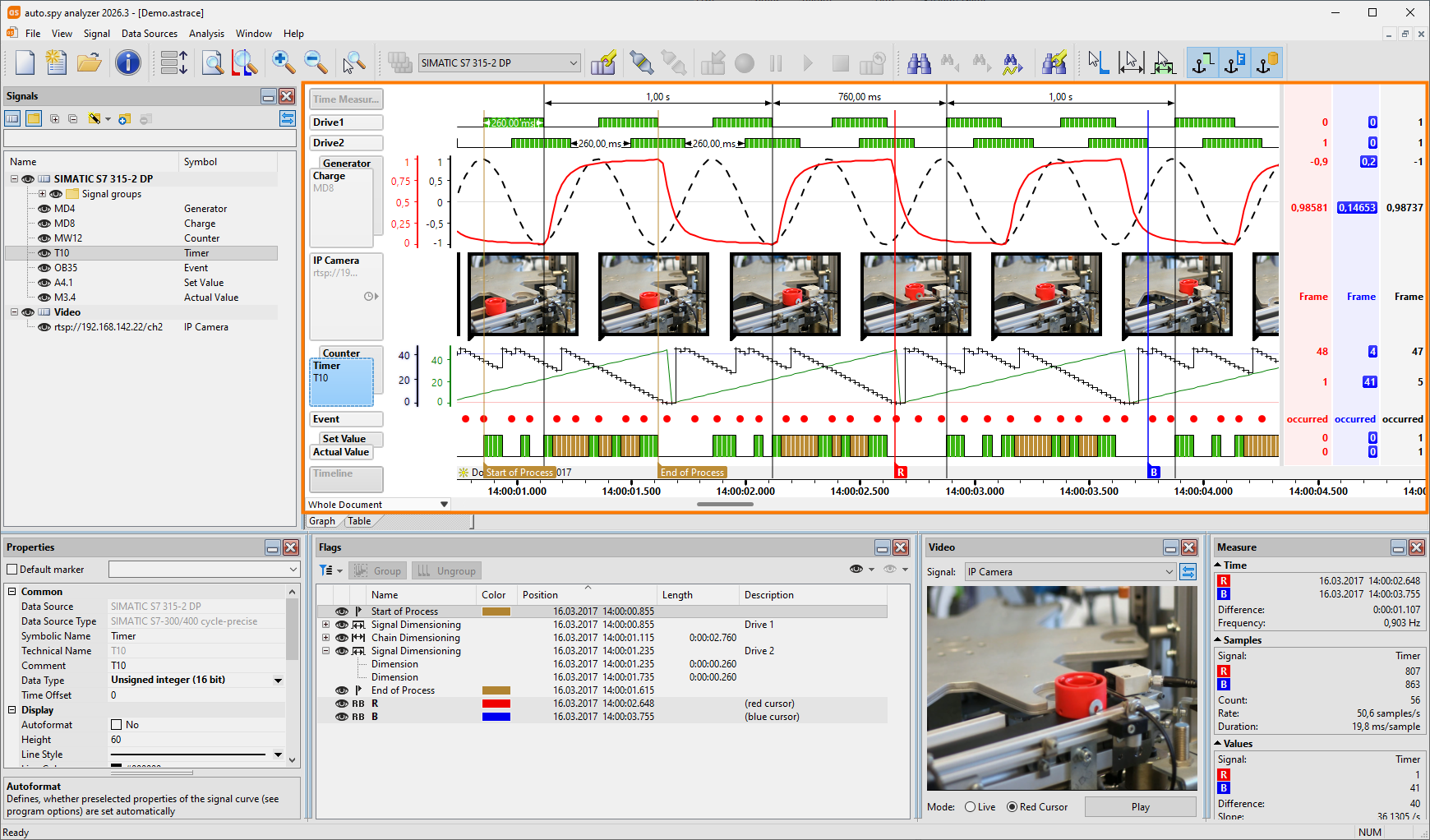
Today, the first version of the auto.spy analyzer in 2026 is being released. We have added a few cool features to make your daily work easier:
- Even after a recording, it is now possible to change the data type of a signal. This complements the enhanced ability to format the text output of integers in binary, hexadecimal, or octal form, which was already introduced in version 2025.3.
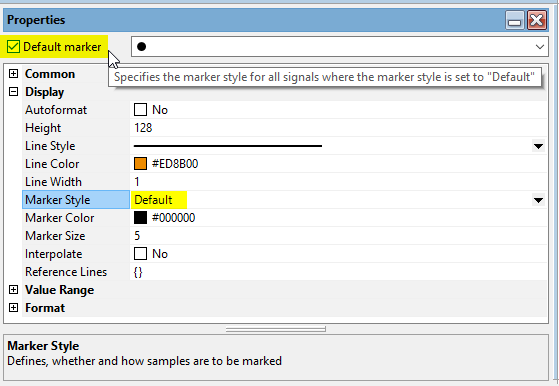
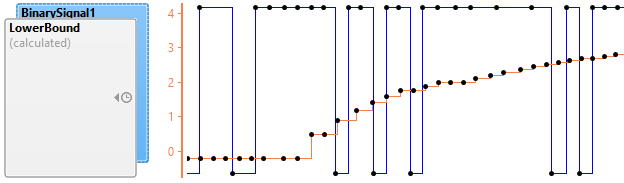
- Markers such as cursors, flags, or dimensions can be hidden or displayed in graph and table views with a simple click.
- Cycle-precise S7 data logging is also possible from SIMATIC ET 200SP distributed controllers with an integrated CPU.
- Importing tags from TIA watch tables into the signal list via copy'n'paste supports further data types and also comments for data block tags.
08/01/2025 Software with new look and new PLC driver
auto.spy enables cycle-precise recording of S7-1200/1500 and supports TIA Portal V20
Today we are happy to present the new version 2025.1 of our tool AutoSPY, which is now called auto.spy analyzer and comes in fresh colors. But not only the box has changed, the content also has a lot to offer:
- Without a doubt, the highlight is the cycle-precise data logging for TIA PLCs SIMATIC S7-1200/1500, for many signals and with no limit on the measurement duration! More details about functionality and requirements are described at our auto.spy drivers. All S7 drivers support both the SIMATIC STEP 7 TIA Portal V20 and the latest firmware versions of the S7-1200 and S7-1500 PLC families.
- Existing auto.spy documents can be used to create templates that contain all data sources and their configuration, but no signal data. Empty documents can repeatedly be generated from existing templates, which can be used immediately for new recordings. In this way, all signals and their visualization settings are available without the need to configure them again.
- The new cleanup function allows you to create a new auto.spy document from an existing one that only contains selected signal data. Everything else is removed. In addition to the sources and signals, the time range to be retained can also be specified. Excellent for avoiding useless data dumps.
- If you do not want to capture video data with auto.spy, you can import your video files into an existing document later on. The resulting video signals can then be shifted in time to synchronize them with the other signals.
- Windows XP and Windows Vista are no longer supported. However, the use of auto.spy under Windows 11 is now enabled.
This is just a small part of the long list of new features, which also include lots of useful usability improvements. Have a look for yourself and give our functional demo version a try. The new installation files are available in our download area.
To benefit from the enormous added value of the new version, you need a license for auto.spy software generation 5.x, which replaces the previous version. We provide attractive upgrade conditions to users who already have a valid software license for auto.spy. We will be happy to advise you.
We wish you lots of success with auto.spy and look forward to your feedback!